
Weekend and public holiday fees
Set a percentage for Saturdays, Sundays and Victorian public holidays. It's shown as its own line before the diner pays, never buried in the price.

Order at the table · cafes, restaurants, pizza shops, bars
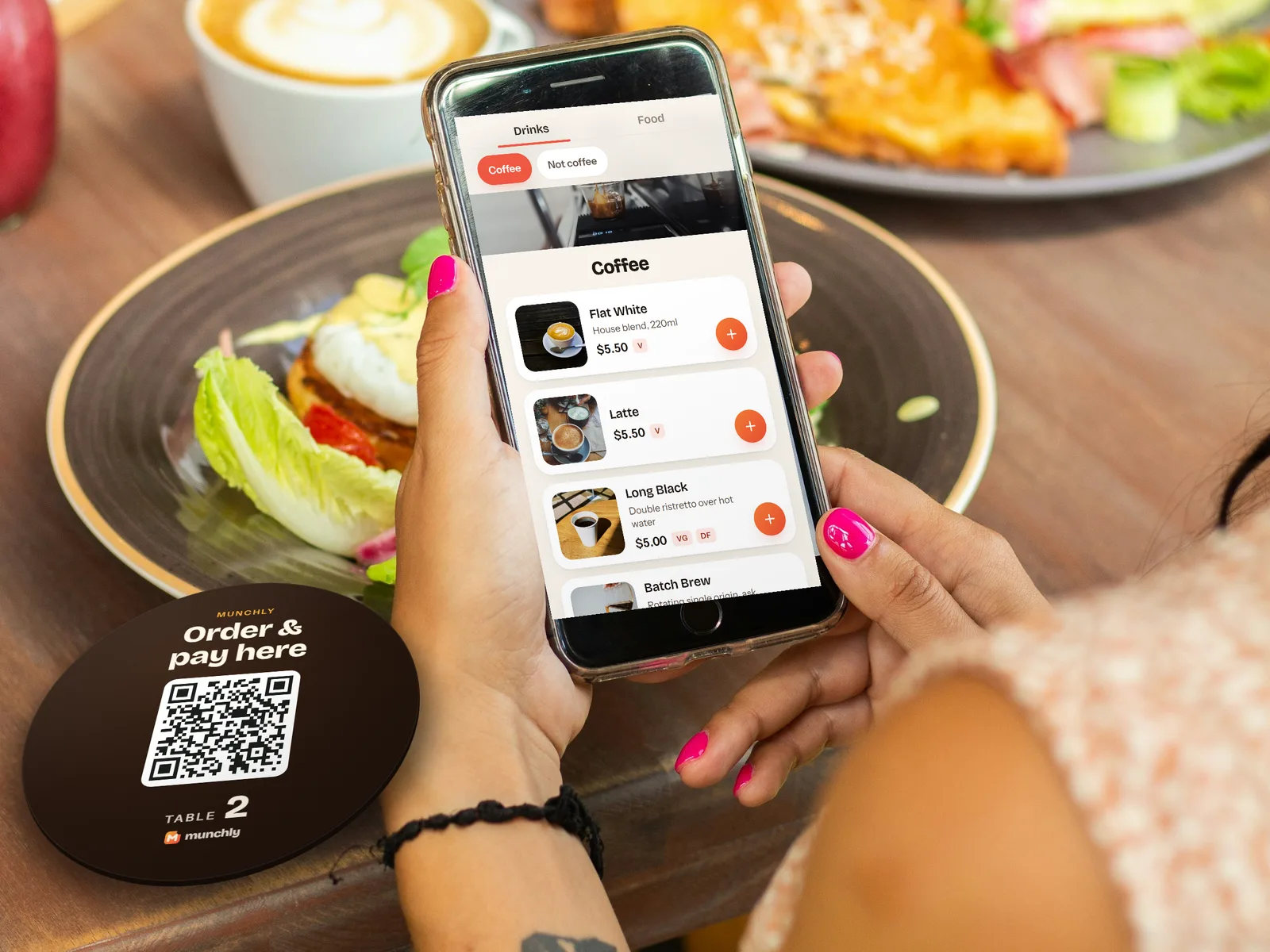
A card on every table. Your customers scan it, order, and pay on their own phone. No app, no sign-up, no queue at the counter. The docket lands on your kitchen screen and rings until someone starts it.
How it works
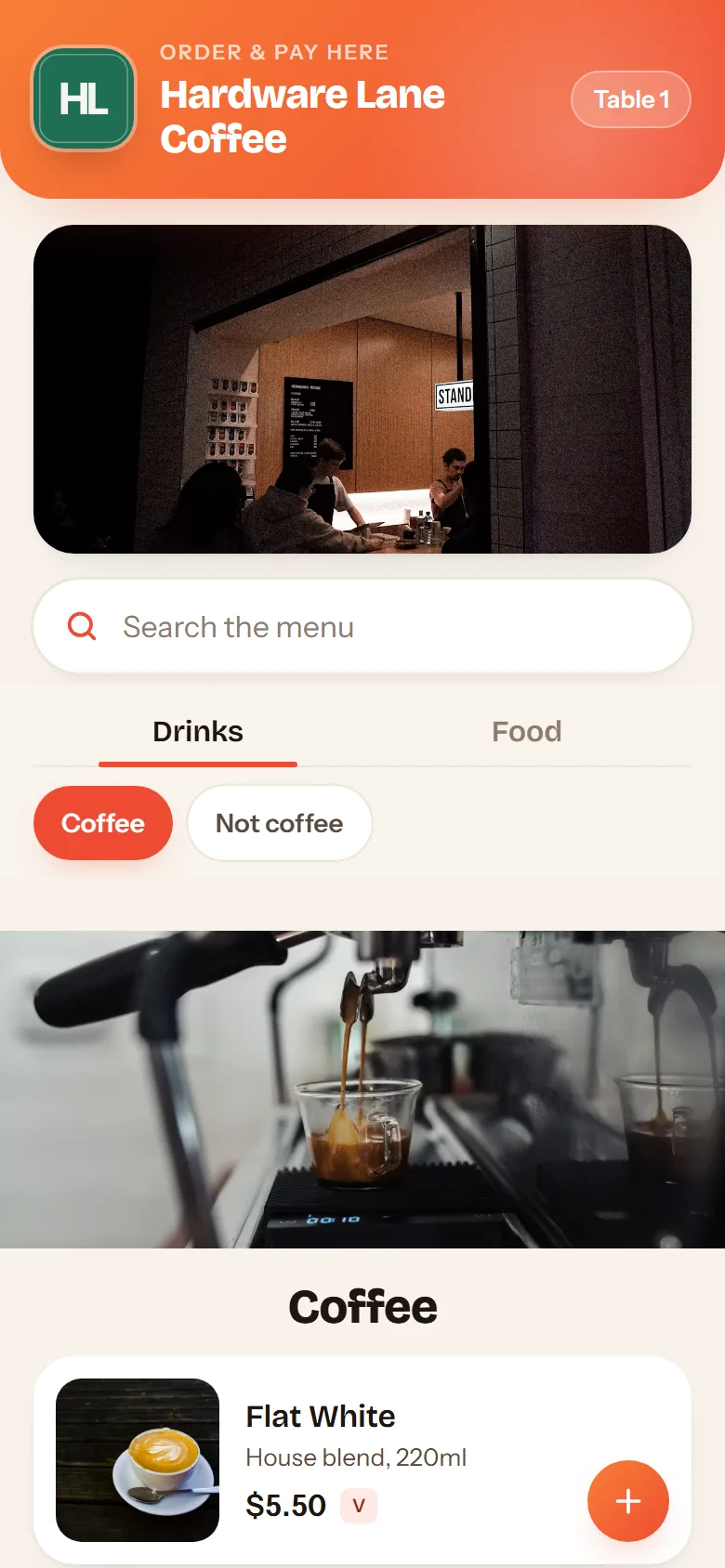
Send us your menu, your logo and your table numbers. We set up sizes, extras and sold‑out switches, print a card for every table, and sit with you for the first service.
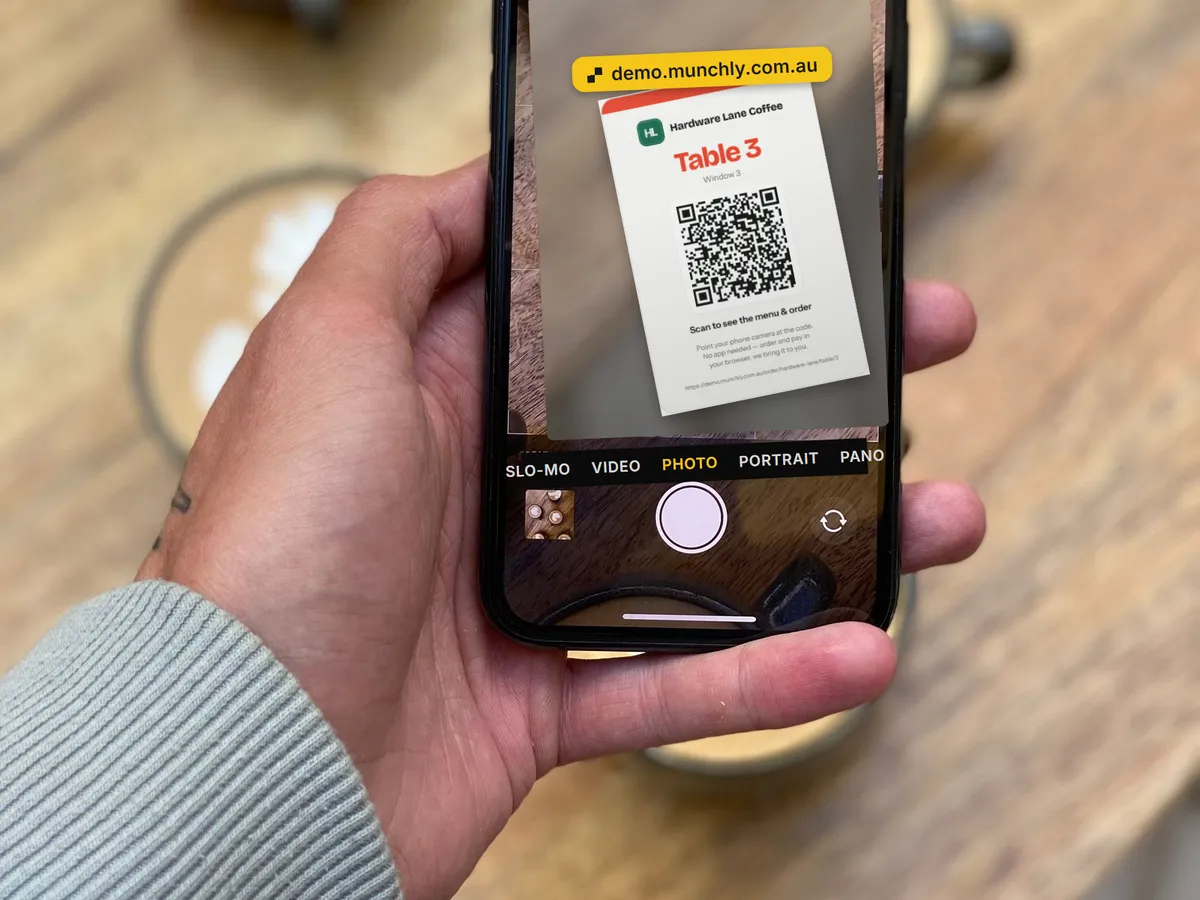
Your menu opens in their browser with the table already filled in. No app to install, no account, no password. Works on any iPhone or Android.
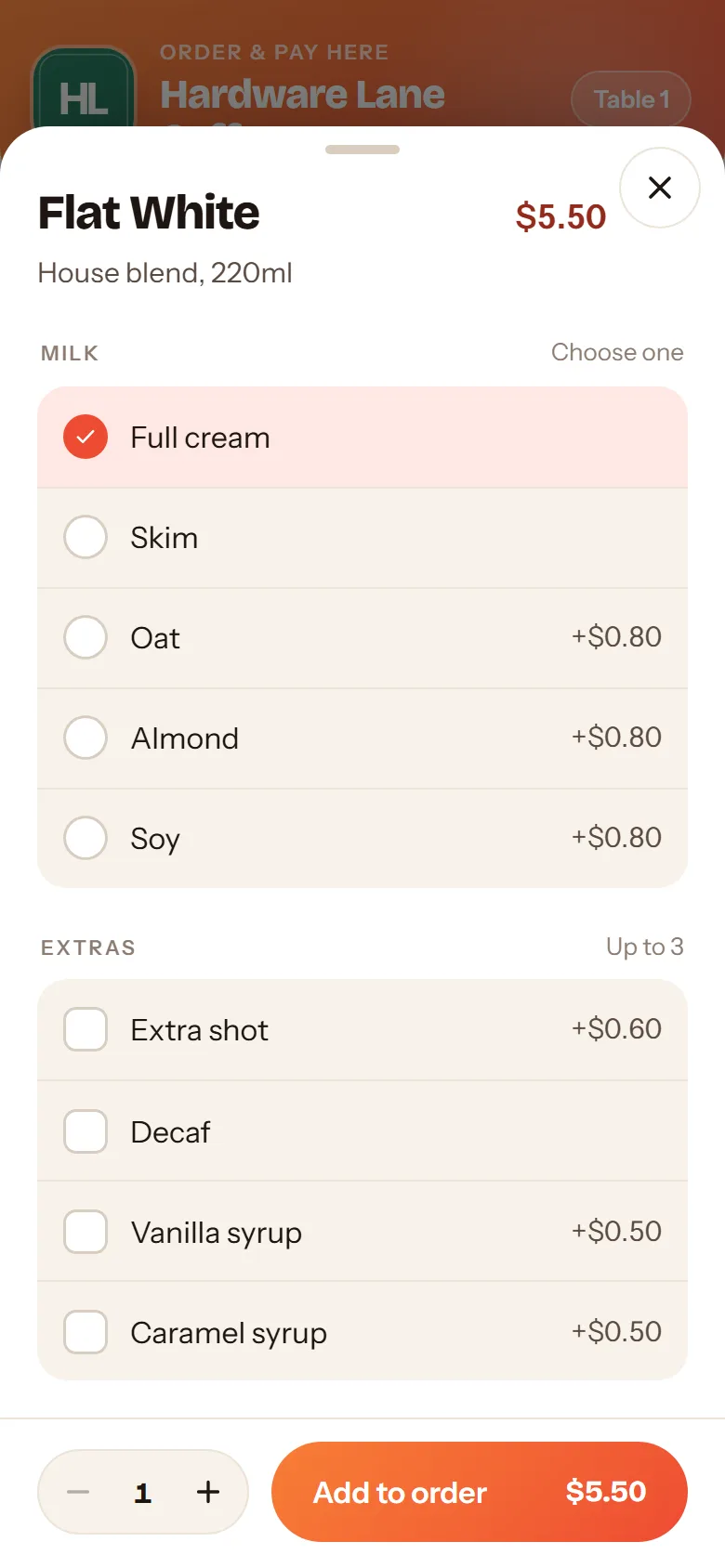
Size, extras, how they want it cooked, a note for the kitchen. Then Apple Pay, Google Pay or card on the phone, or send the order through and settle at the counter. Fees for weekends and public holidays are shown before they pay.
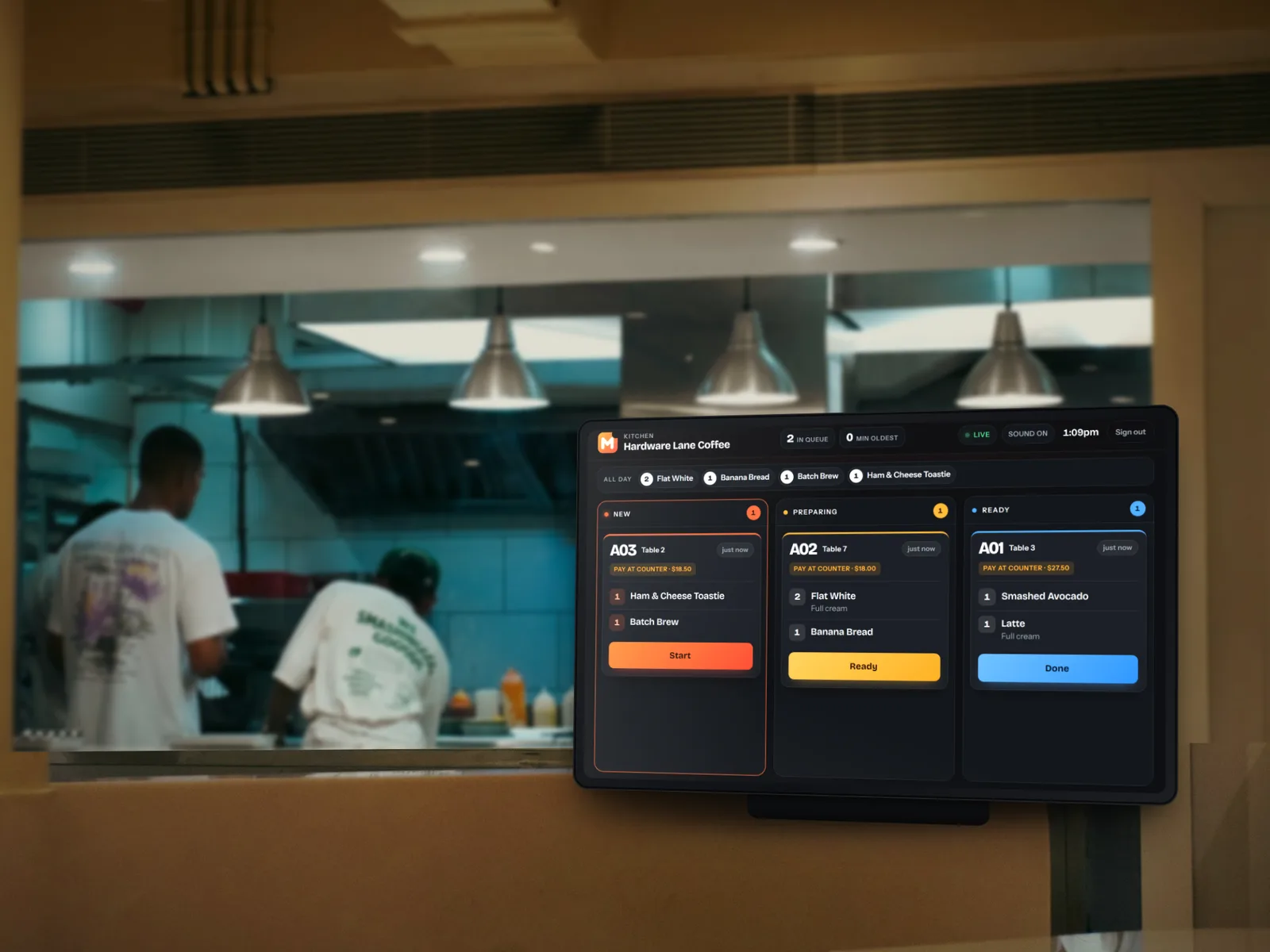
It rings until someone taps Start. Your staff make it and run it to the table number on the ticket. The diner's phone shows when it's on its way.
Why venues switch

The kitchen screen
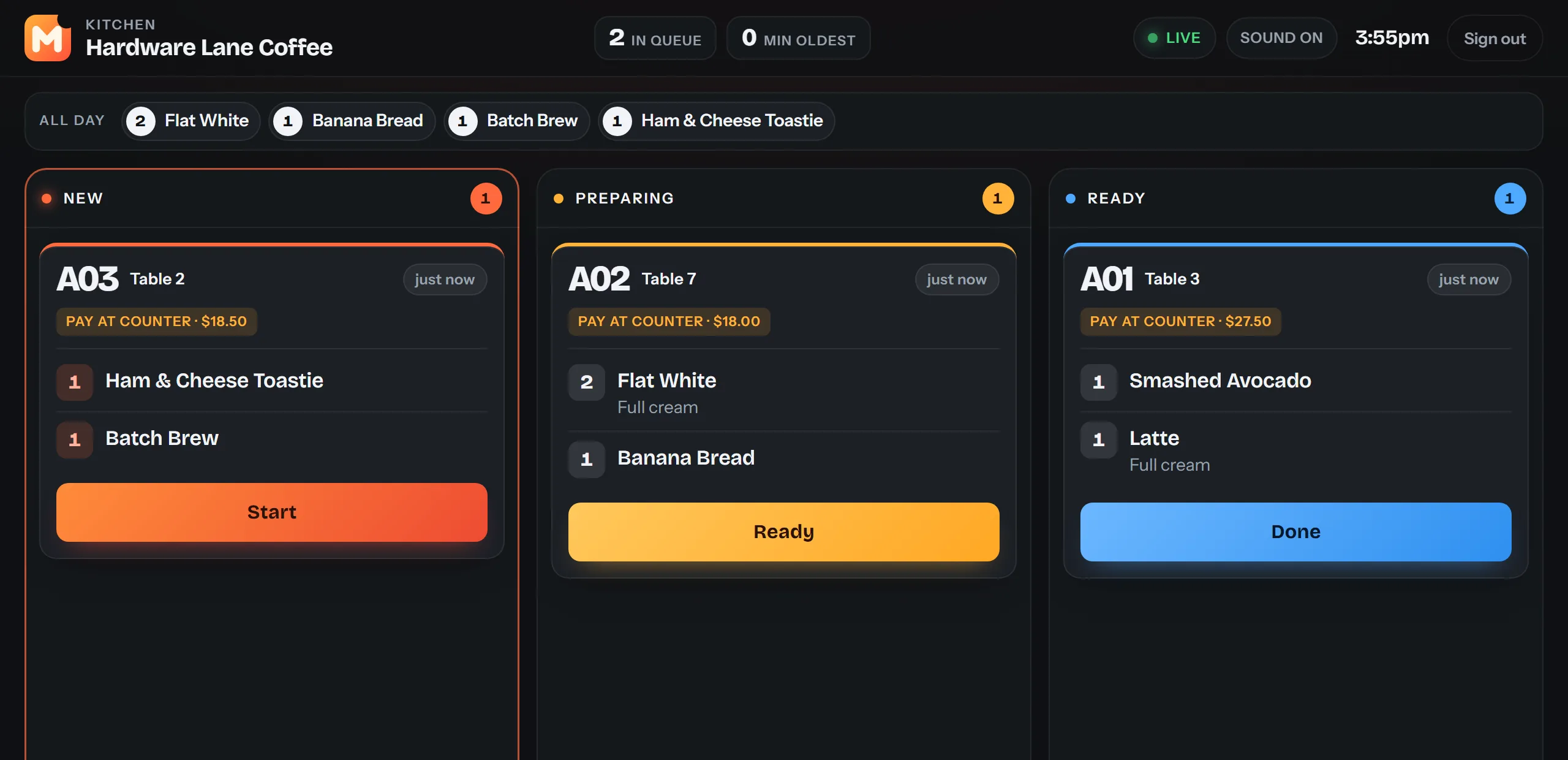
A dark board with big, clear dockets, readable from the pass. New orders ring until they're started. Every ticket shows how long it has waited and turns amber, then red. Notes like "no chorizo, allergy" are highlighted so they're impossible to miss.
Fees and payment

Set a percentage for Saturdays, Sundays and Victorian public holidays. It's shown as its own line before the diner pays, never buried in the price.
Card surcharging is banned in Australia from 1 October 2026. Munchly never had it, so there's nothing to switch off and no fine to worry about.
Online payments settle to your own Stripe account, usually the next business day. Counter payments never touch us at all. Our 1% comes as one itemised bill at month end.
Prices include GST and it's recorded on every docket. Dates, times and public holidays are Australian. The whole thing runs in Melbourne's time zone.
Pricing
We load your menu, print the table cards, set up the kitchen screen and sit in for your first service. None of that costs you anything. When a customer scans a card and orders, we bill 1% of that order at the end of the month, worked out from the same data that runs your kitchen screen.
Drag the sliders. Only orders placed by scanning a table card count, whether they pay on the phone or at the counter.
Sales through Munchly a month
$28,080
Your Munchly bill
$281a month
That's 18 cents on an $18 order.
Card payments on the phone are processed by Stripe at their standard Australian rates, paid to your own account. That's separate from the 1% and the same for anyone taking cards.
Founding venues
The first venues get set up in person, keep the 1% rate for as long as they stay, and shape what we build next. Cafe, restaurant, pizza shop or bar: if your counter has a queue, we'd like to talk.

Questions
Nothing to start and nothing per month. We charge 1% of the orders that come through your table cards, billed monthly. On a $5.50 flat white that's about 6 cents. Use the calculator above to see your number.
No. The card opens your menu in their phone's browser. Nothing to install, no account, no password.
Any tablet or laptop with a browser and Wi‑Fi, at the pass, the bar or the counter. Sign in once; it stays signed in. We recommend a stand and a charger by the pass, and we'll help set it up.
To your own Stripe account, usually the next business day. Munchly never holds your money. At the end of each month we send one bill: 1% of the orders placed through your table cards, itemised from the same data that runs your kitchen screen.
Yes. Prices, items, milks and extras are yours to edit, and sold‑out items disappear from the menu the moment you turn them off.
The kitchen screen keeps what it has and catches up the moment the connection returns. Orders placed while it was down appear without anyone touching anything.
A 15‑minute demo, at your venue or on a call. Bring the busiest table you've got.